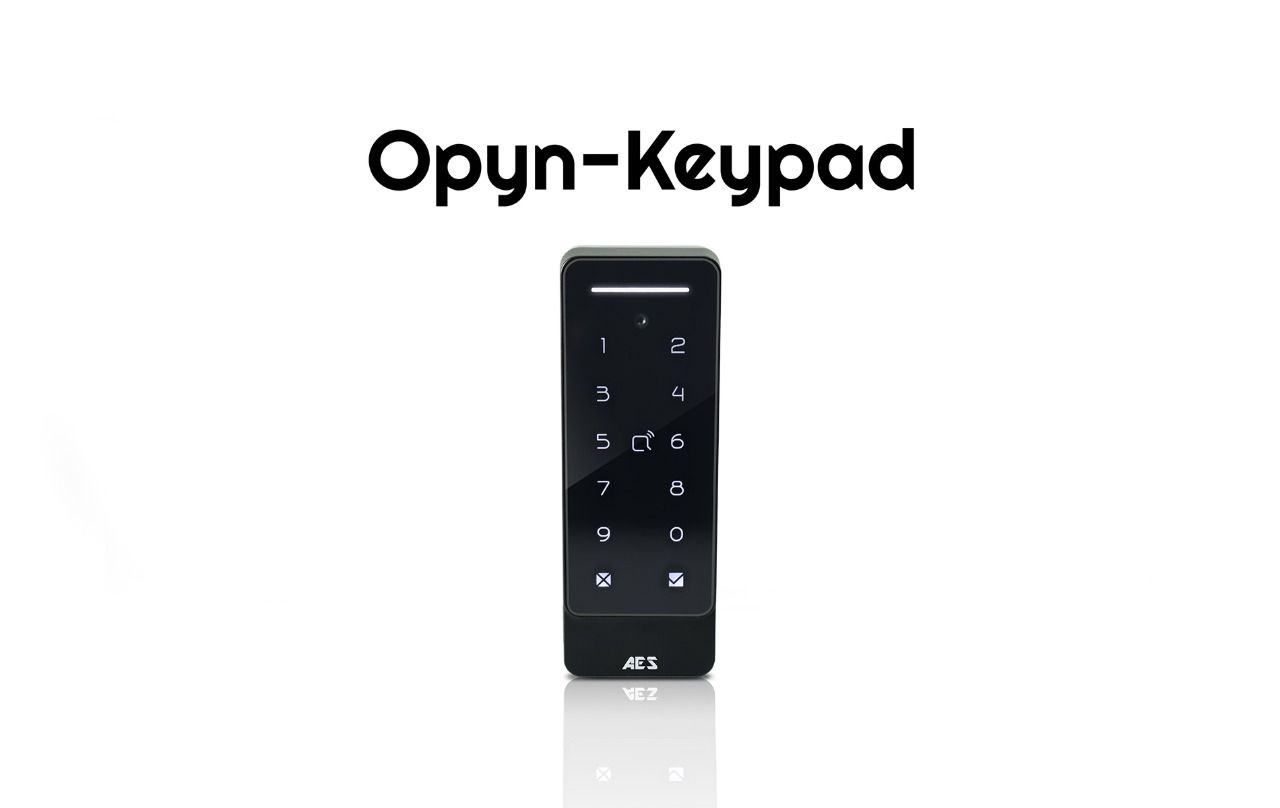
Opyn Keypad - IP Access Control Terminal
Remote Access Control
Grant access anytime, anywhere through the AES Opyn app, which supports the full Opyn range. Send commands remotely to your gate motor for secure and convenient operation.
Cloud Management
Configure and manage your entire system remotely via the AES Opyn Management Portal, giving you full control from any web browser.
Wiegand Compatibility
Functions as both a reader and controller, allowing seamless integration with existing Wiegand-based access systems.
2 Modes
Use cloud mode or standalone mode based on your needs.
Multiple Unlock Methods
Flexible access options including Keypad Codes, QR Codes and Proximity Tags/Cards (MIFARE) giving users a variety of secure and convenient unlocking choices.
- Disclaimer -


| Title | Release Date | Link | |
|---|---|---|---|
| Opyn Keypad - Datasheet | 23.09.26 | Download | |

| Title | Release Date | Link | |
|---|---|---|---|
| Opyn Keypad - Cutsheet | N/A | Coming Soon | |
| Opyn Keypad - Cutsheet (Spanish) | N/A | Coming Soon | |

| Title | Release Date | Link | |
|---|---|---|---|
| Opyn Keypad - Datenblatt | N/A | Coming Soon | |

| Title | Release Date | Link | |
|---|---|---|---|
| Opyn Keypad - Fiche Technique | N/A | Coming Soon | |
Frequently Asked Questions (FAQs)
A: Try re-coding the handset and transmitter per instructions.
- Check push button wiring to the transmitter with multi-meter.
- Check power cable distance from power adaptor to transmitter is less than 4 meters
A: Check cable distance between the speech unit and transmitter. Shorten this if possible.
- Check cable used between the speech unit and transmitter is screened CAT5.
- Check that the screen of the CAT5 is connected to the ground in the transmiter per wiring instructions.
A: Check if the corresponding relay indicator light comes on. If it does, then the fault is either a power problem with excessive cable run, or wiring. If the relay can be heard clicking, then it is a wiring problem. If a click cannot be heard, then it is likely a power problem. If the light does not activate and the keypad emits an error tone, then the issue is likely a programming error.
A: Try the process again. If it still does not work, delete the code from the transmitter. To delete code, press the code button for 3 seconds and release. Then press it 7 times after which a tone should be heard. Then press another 7 times. Now try re-coding the handset again as per the procedure.
A: Check that the power cable to the transmitter is within guidelines and is heavy enough gauge. Insufficient power cabling will reduce transmission power! Check that there are not excessive objects blocking the signal, like large dense shrubs, vehicles, foil lined wall insulation etc. Try to achieve line of sight between both devices.
A: Check CAT5 wiring between speech panel and transmitter. Disconnect, re-strip cables and re-connect again.
A: Try replacing both batteries with equivalent Ni-Mh batteries firstly. It is possible to have a dead cell in a battery which can prevent both batteries from charging.
- Check for contamination or grease on the charging pins at the base of the handset (gently scratch with screwdriver or wire wool).